Lestvica: The Analog Current
A downloadable archive descent for Windows, macOS, and Linux
The field route should have ended at the forest, but continued below the concrete.
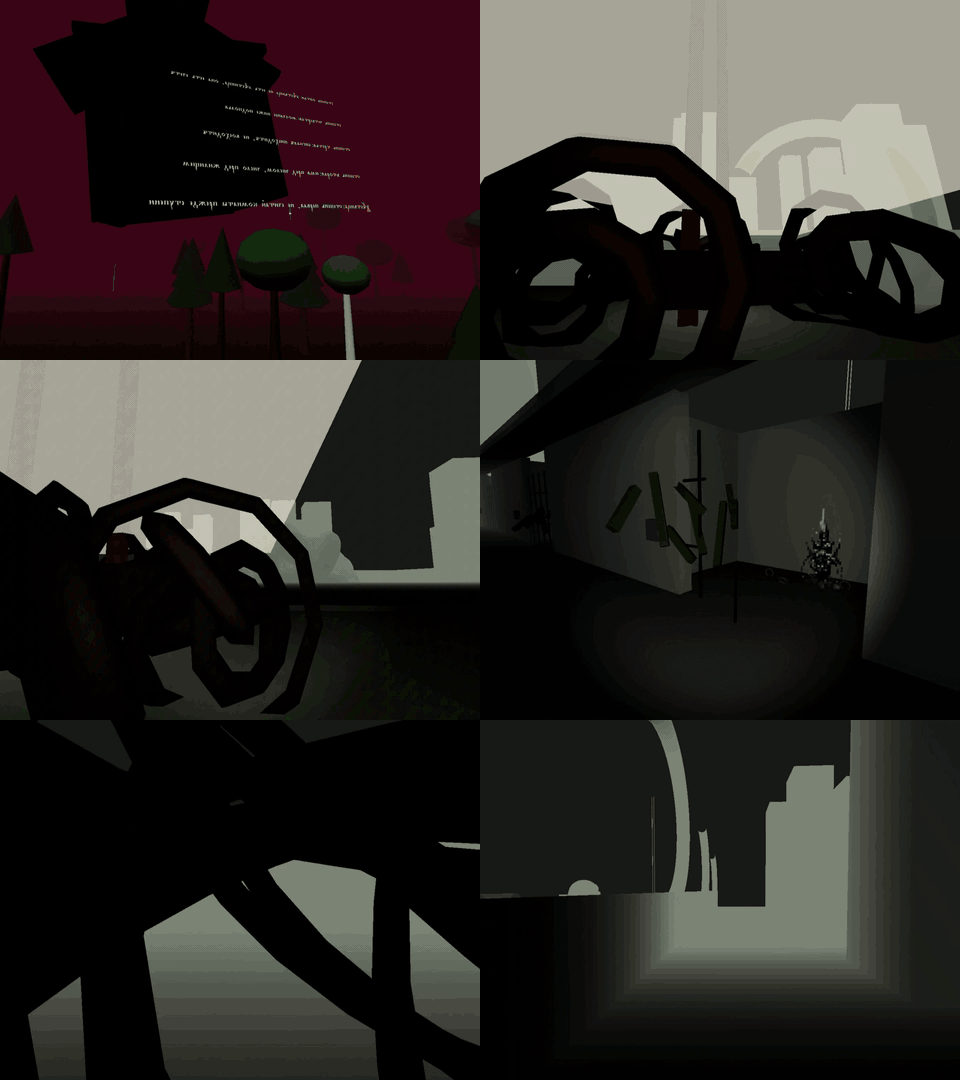
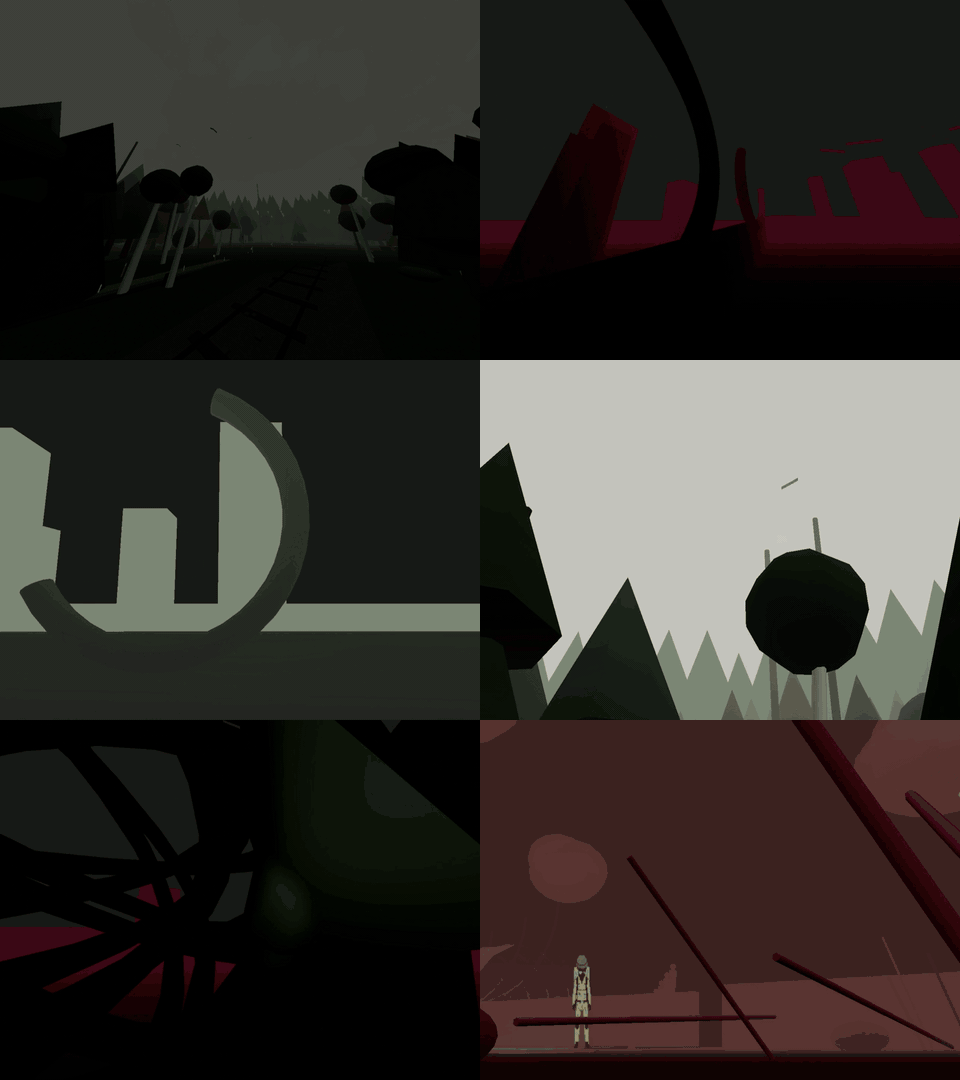
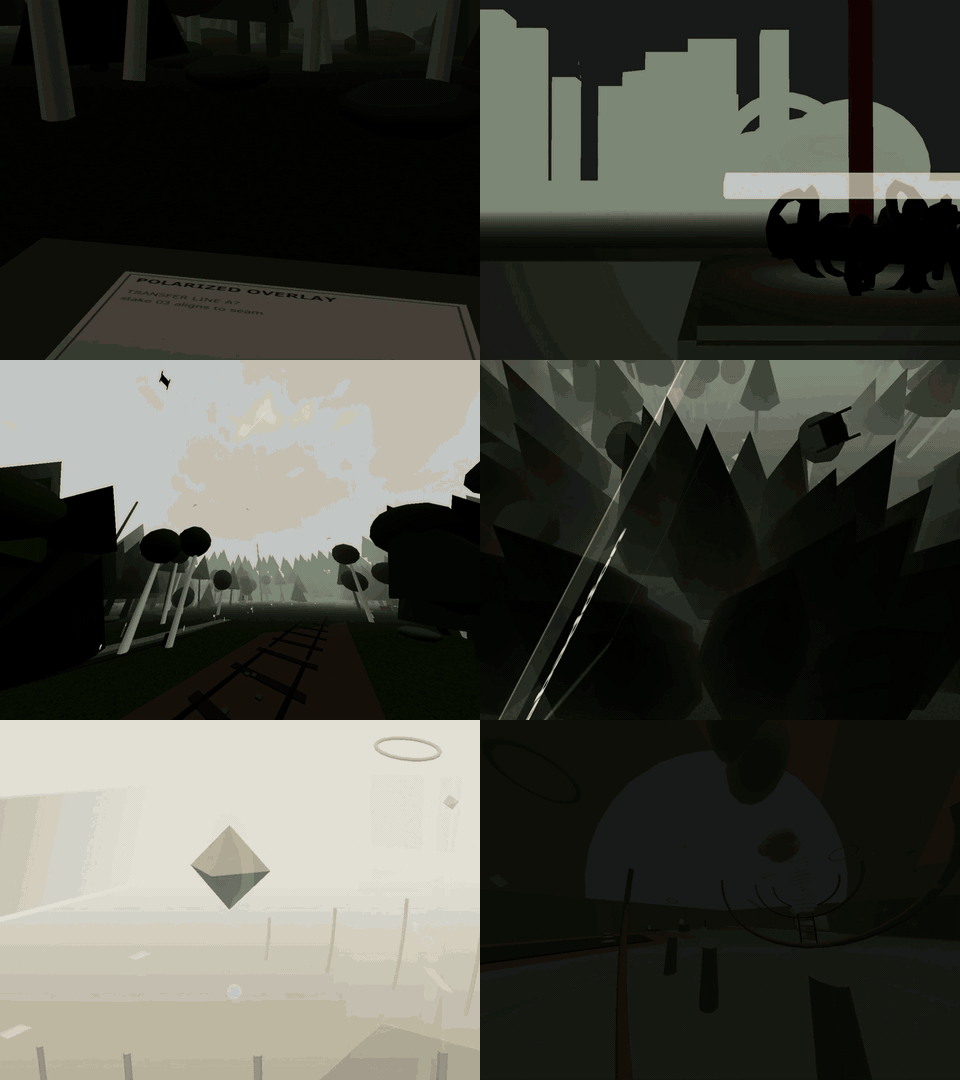
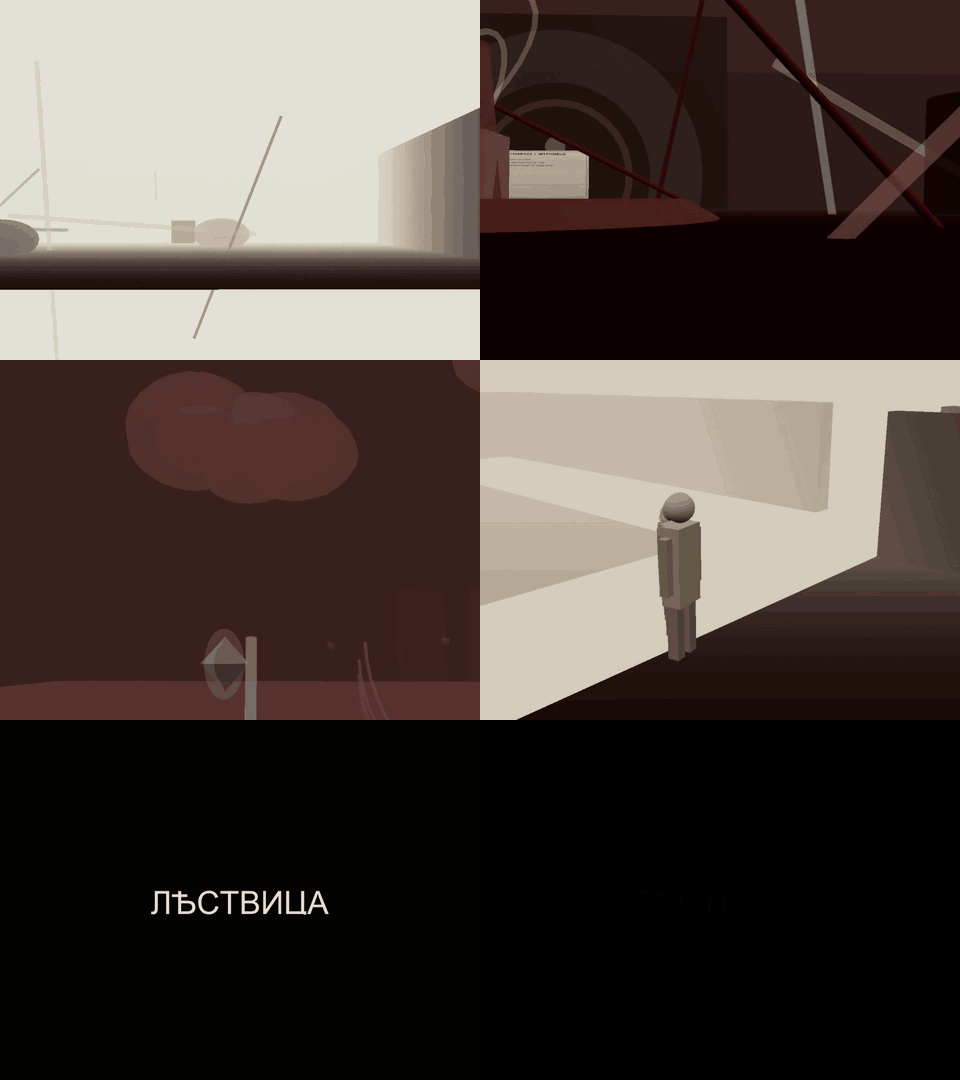
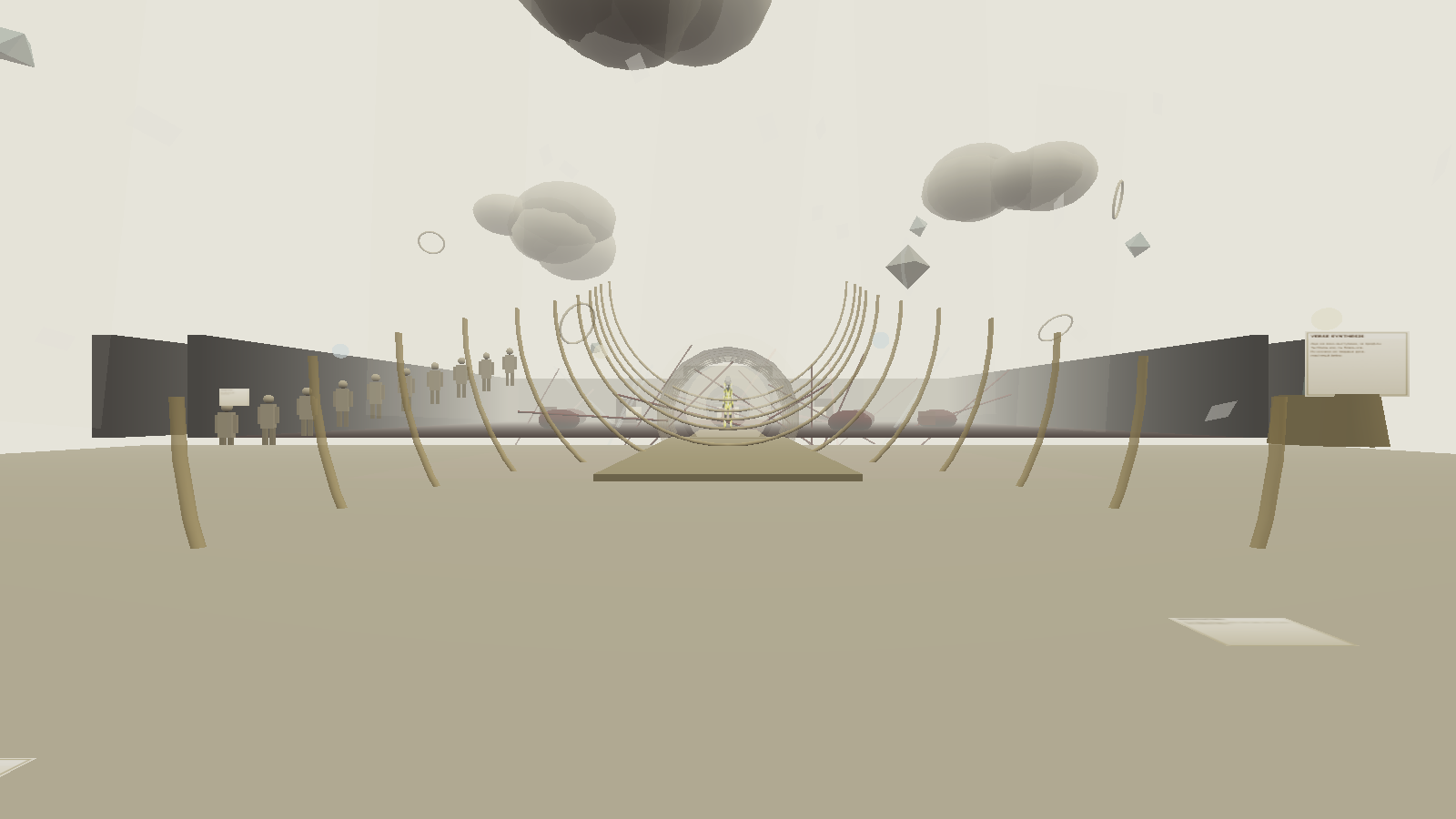
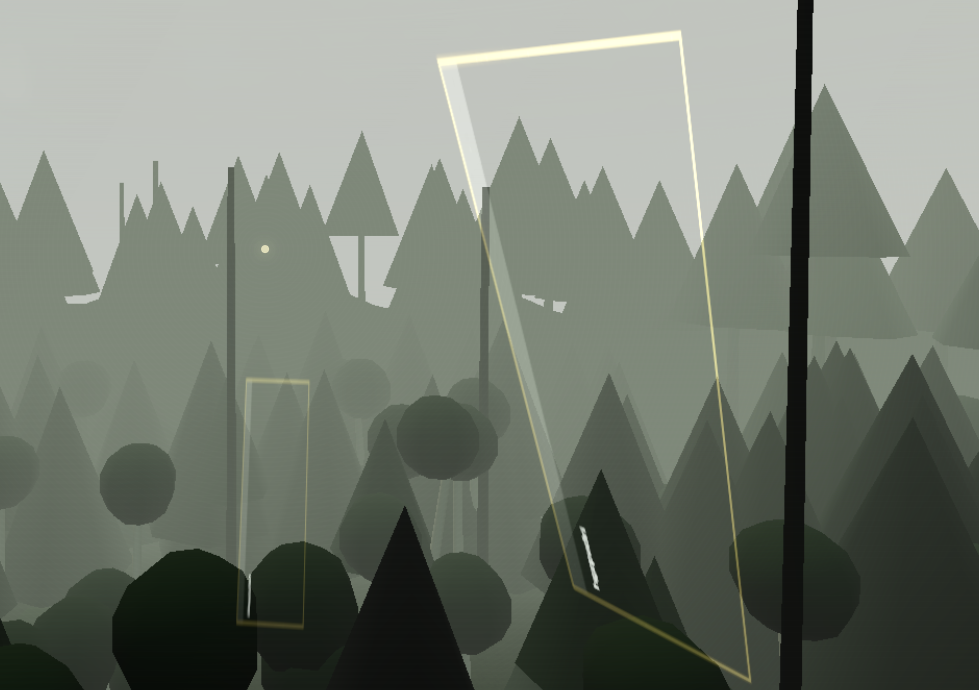
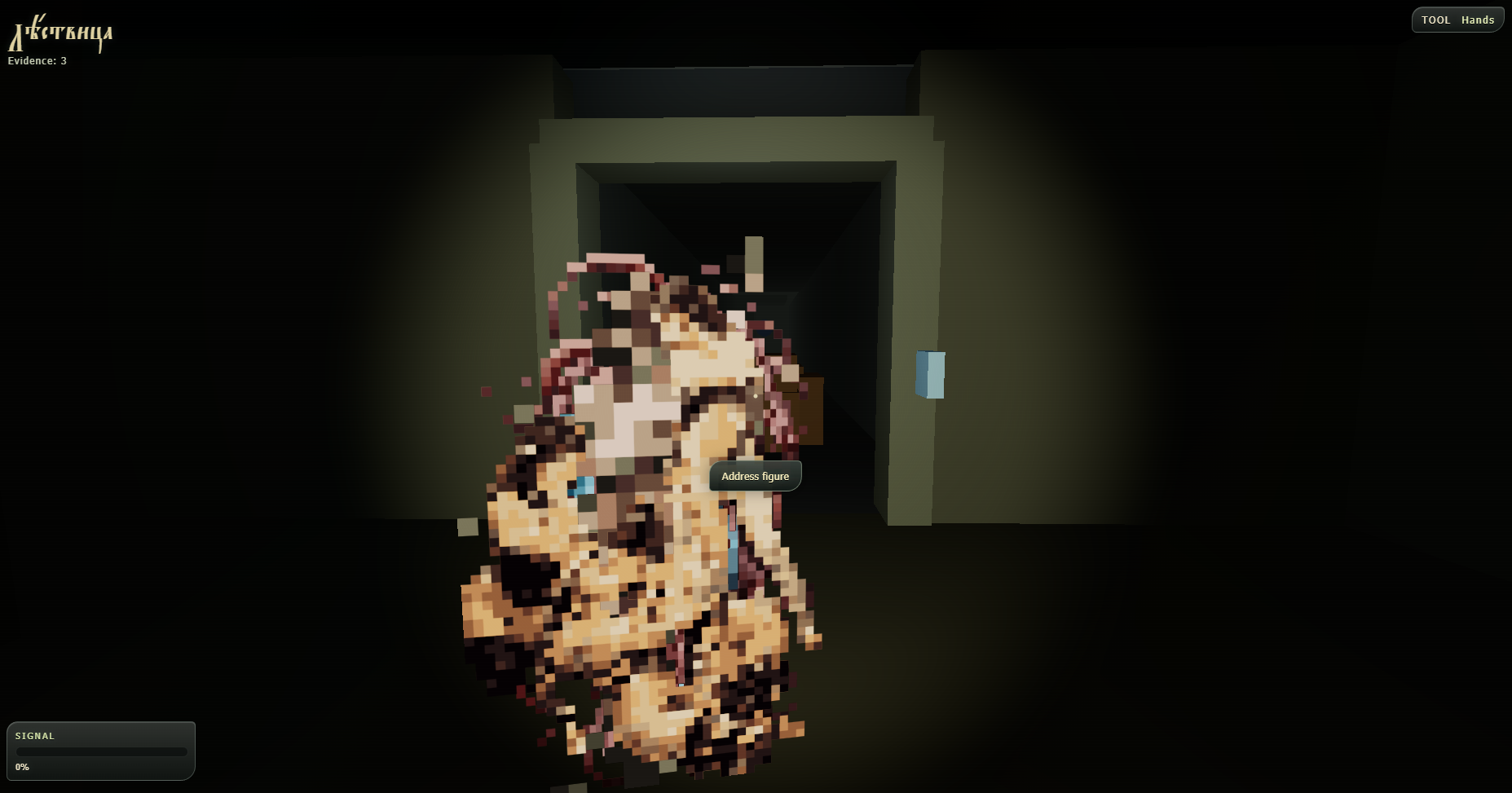
Analog Current: The Ladder is a first-person exploration game about signals, archives and linear objects in border zones.
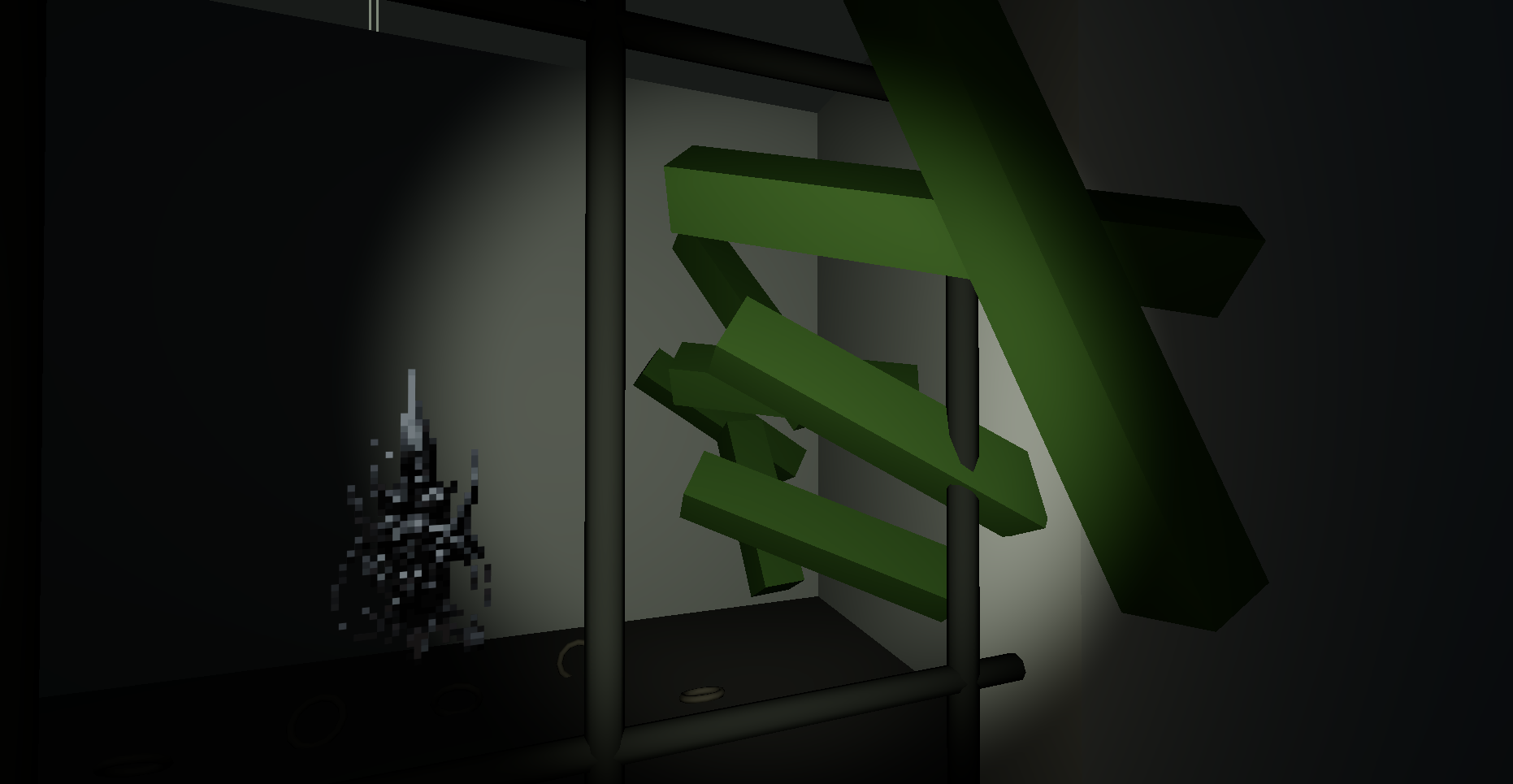
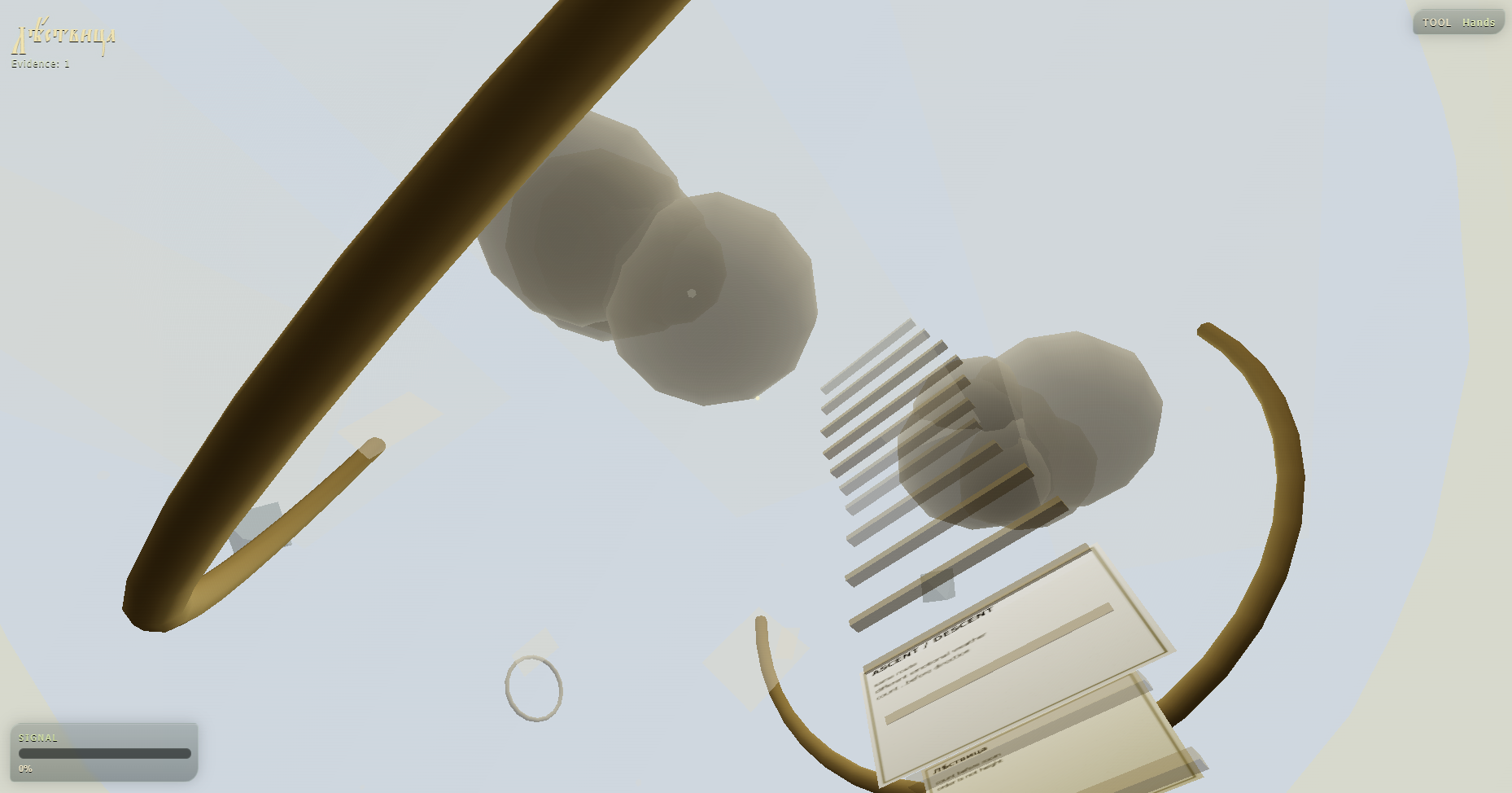
Traces, from the Białowieża forest into a buried archive, a mixed-urpose aerodrome hangar, a chamber organized by an impossible ladder, a final system losing agreement with itself. All inspired by a recently found piece of text from the late XVII century Eastern Europe, a prediction on what technology is, has been, and will become
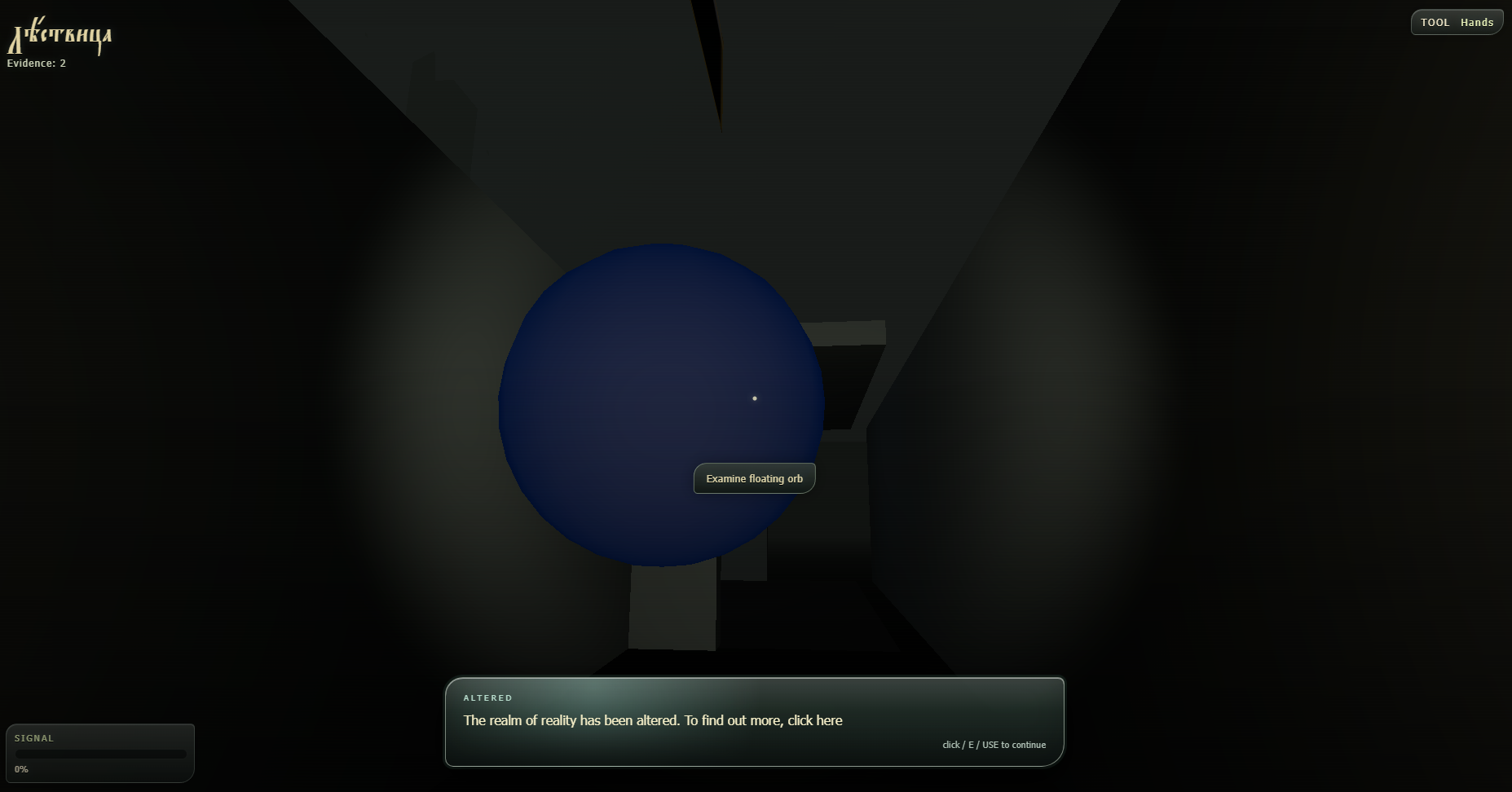
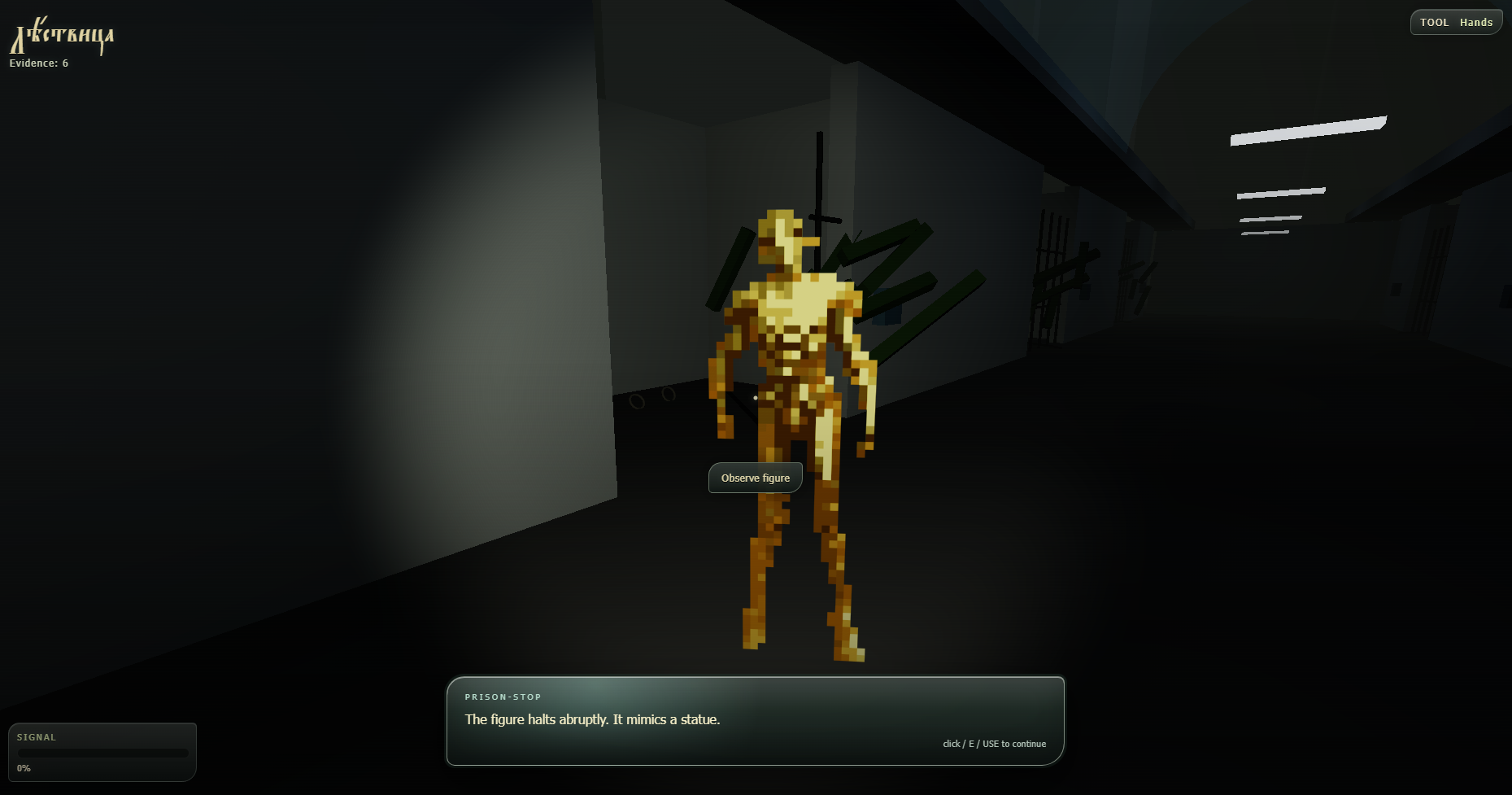
Inspect objects, collect evidence, switch between specialized viewing tools and arrange fragments on your Field Desk. Progress depends on observation, spatial reasoning and recognizing repeated structures rather than combat.
Try to pass in multiple languages, from English to Church Slavonic, Interslavic, Sanskrit, Polish, Toki Pona, Russian and others. The Ladder is text-heavy and multilingual, with its languages being the part of the archive’s texture itself.
Mac versions are experimental as of 09.09.2026 and may not launch on every given setup, now in testing stage.
Purchase
In order to download this archive descent you must purchase it at or above the minimum price of $8 USD. You will get access to the following files:
Development log


Comments
Log in with itch.io to leave a comment.
it works on my machine. it seems i have found something, drafting you a letter now
macos arm64 build is broken, x64 version seems to have a similar content inside of an app and also reports as a broken app while trying to start (not a "first launch" permission issue). sad
hello enstain, we tried to fix this, and sorry again for such an experience. the Mac version was mainly tested on a rather old Intel MacBook Pro, because we don’t currently have a newer Apple Silicon Mac lying around and previous versions were done with quite an old mbp on intel. The ARM64 port was handled with some outside help, so unfortunately this packaging problem was not caught before release. Windows was the original platform and those builds were tested on several different machines. we have, indeed, found a problem in how Mac arm app was packaged and rebuilt it, together with the intel-mac version too. the new versions should now have the correct macOS app structure, although they are still experimental and unsigned - we will surely not be paying apple its developer fee. We also added clearer Mac instructions to the game page. And, we have indicated now that mac builds are experimental and are not (yet) guaranteed to launch, though those builds seem to launch as far as we tested. please delete (or keep) the previously downloaded ZIP and app before trying the new build.
so, to recap the new build info, macOS — experimental builds now first, choose the correct download:
I'm on Tahoe 26.6.2, my mac is M1 2021. No luck neither with updated mac os build nor with running Windows version in Wine.
Mac keeps saying: "
Приложение «Analog Current - The Ladder.app» повреждено, и его не удается открыть. Переместите приложение в Корзину.